Log in
Protocol for updating your syndicate’s data with the REQ (registration)

About:
👋 The Act respecting the legal publicity of enterprises requires every legal person constituted in Quebec to register and to update its registration every year.
Reminder:
- After the meeting of co-owners elects a new board of directors, the registration declaration must be amended by filing an updating declaration within 30 days of the date the change occurs.
Step 1:
Go to the REQ website at http://www.registreentreprises.gouv.qc.ca/fr/.
Step 2:
Once on the REQ website, click “Modify information about your business,” then “Update the information in the register,” and select the type of declaration you want to file (see below).
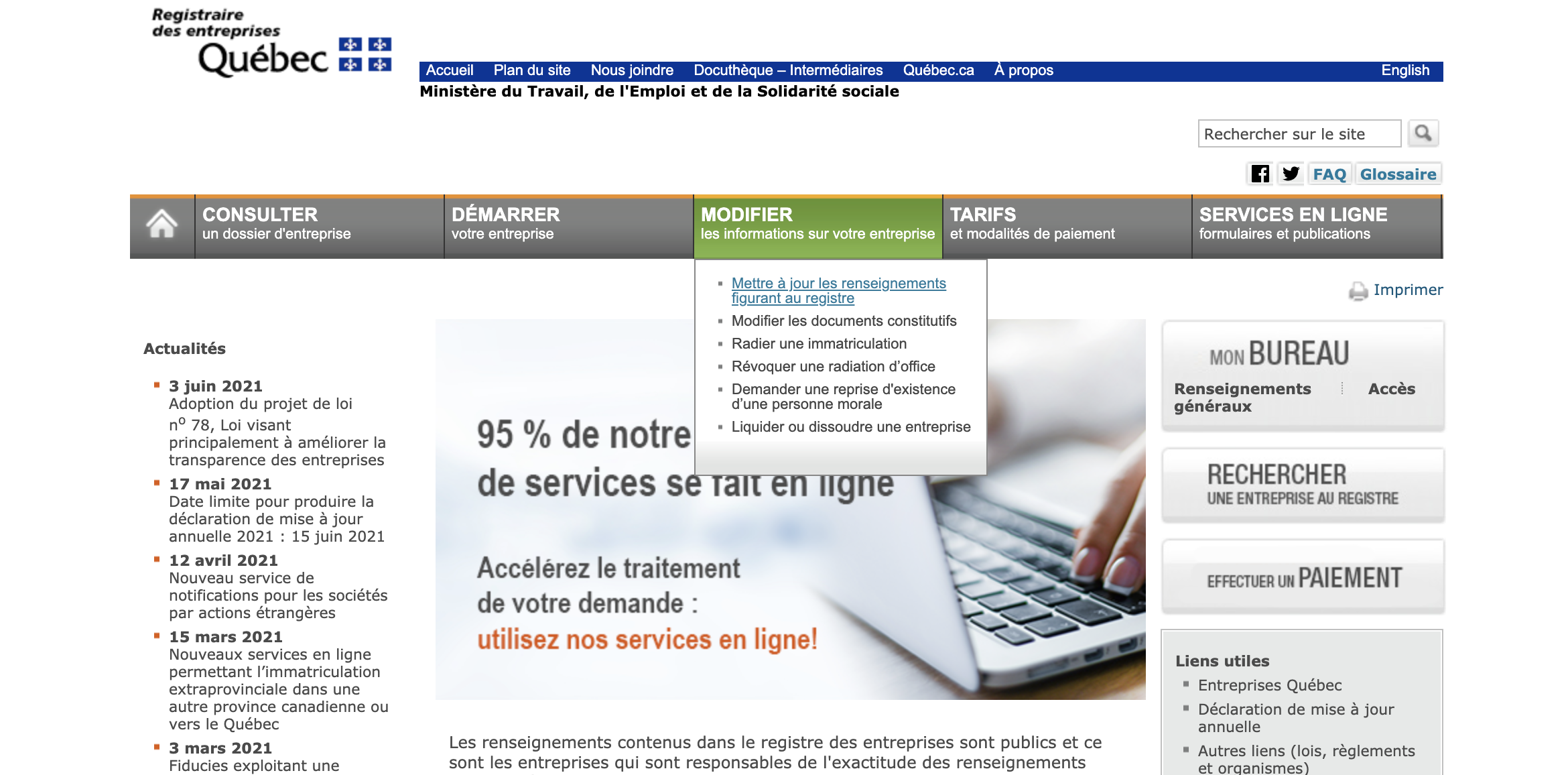 Screenshot of the website http://www.registreentreprises.gouv.qc.ca/en/
Step 3:
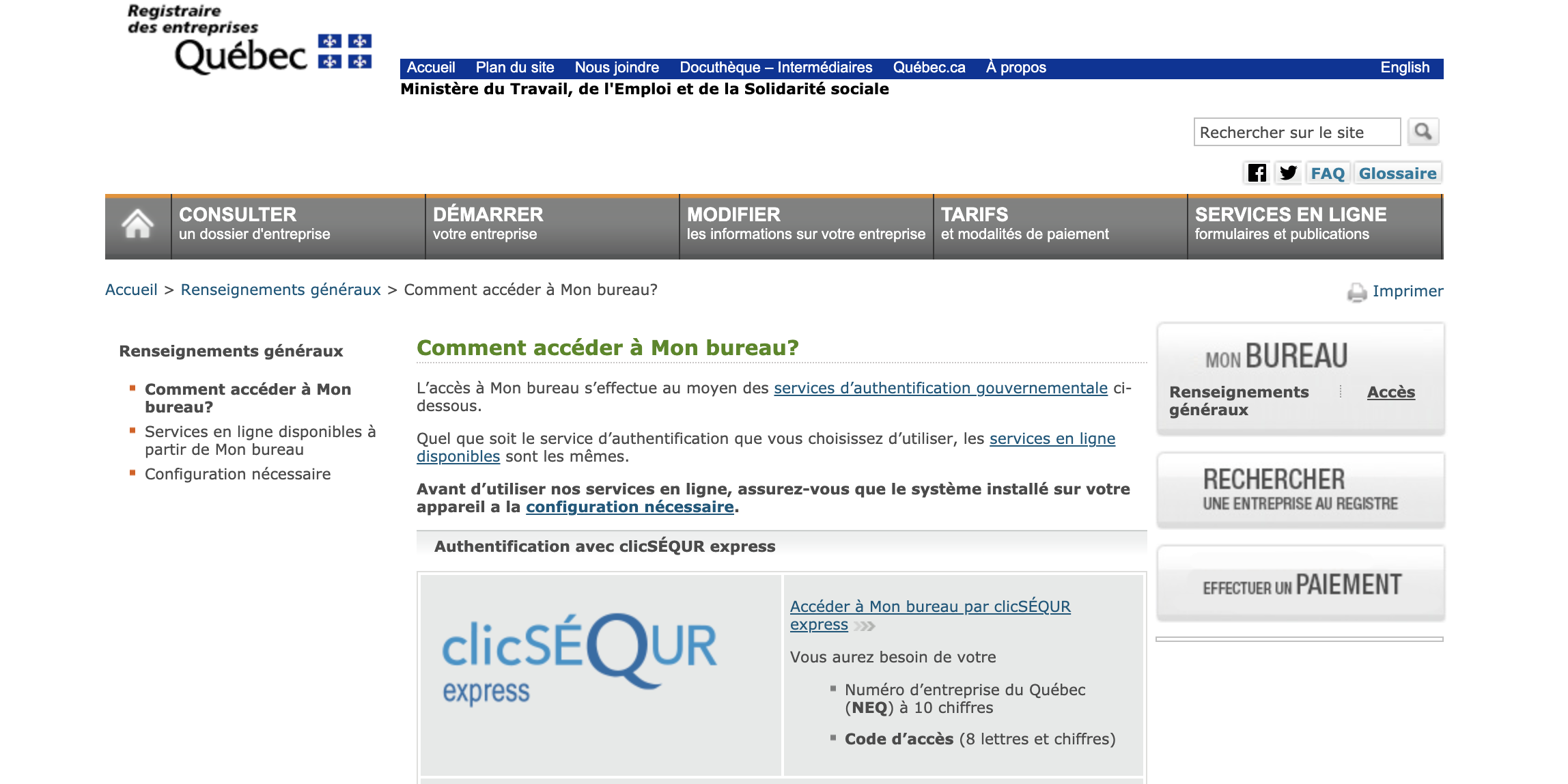
After confirming the type of declaration you want to file, log in to the syndicate’s account using “Access,” on the right in the My Office (Mon bureau) box (see below).
Step 4:
To log in to the syndicate’s account, simply enter the syndicate’s REQ number (Quebec enterprise number) and its matching code. (This information is unique to your syndicate and should be available in your syndicate register.)
Step 5:
Finally, once you’re logged in to the syndicate’s account, simply enter all the changes step by step.
Good luck!
The REGISCO Team
Choose peace of mind by making your condo management easier.
Start your 30-day free trial today. No commitment required, no credit card needed.
Try it for free